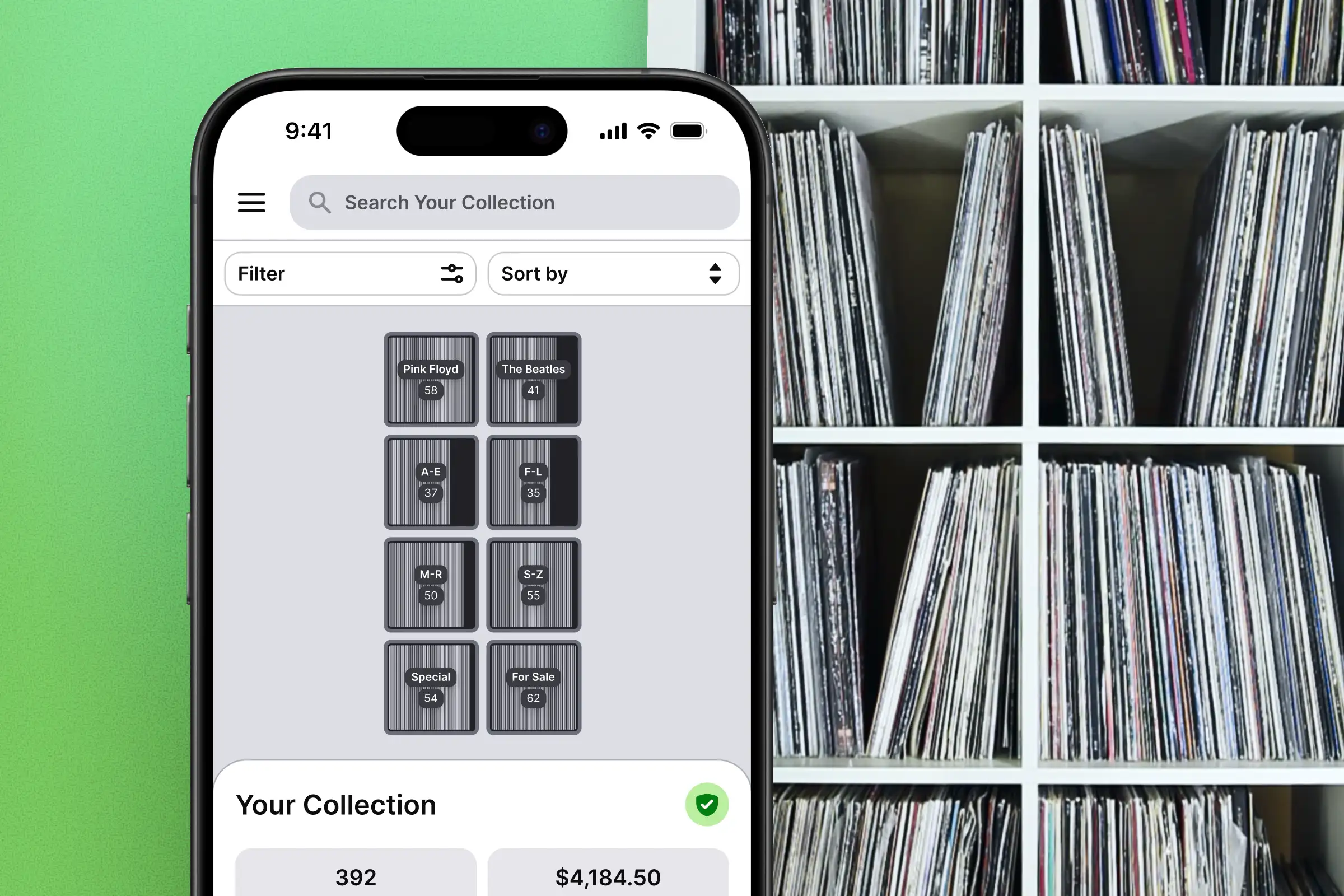
When to move or remove many recordsRecord Scanner allows to process multiple collection records at once which might be useful in following situations:
re-organizing collection by moving the records between cabinet shelves
removing multiple records from the collection after selling a batch
starting over with cataloging whole collection or specific cabinet shelf
How to move or remove multiple recordsIt’s straight forward:
Go to “Collection” view
Press and hold the finger on any collection item for about 1.5 second
Record Scanner now should show the number of the records selected at the top. Continue selecting records by tapping on them (no need for long press at this stage)
Click on the icon with the arrow on top-right corner
Chose if you want to delete selected records or move then to specific shelf
Note: any sorting or filtering can be applied before selecting the records.See it in actionWatch the short video below to see how to speed up record management 👇